Analyse
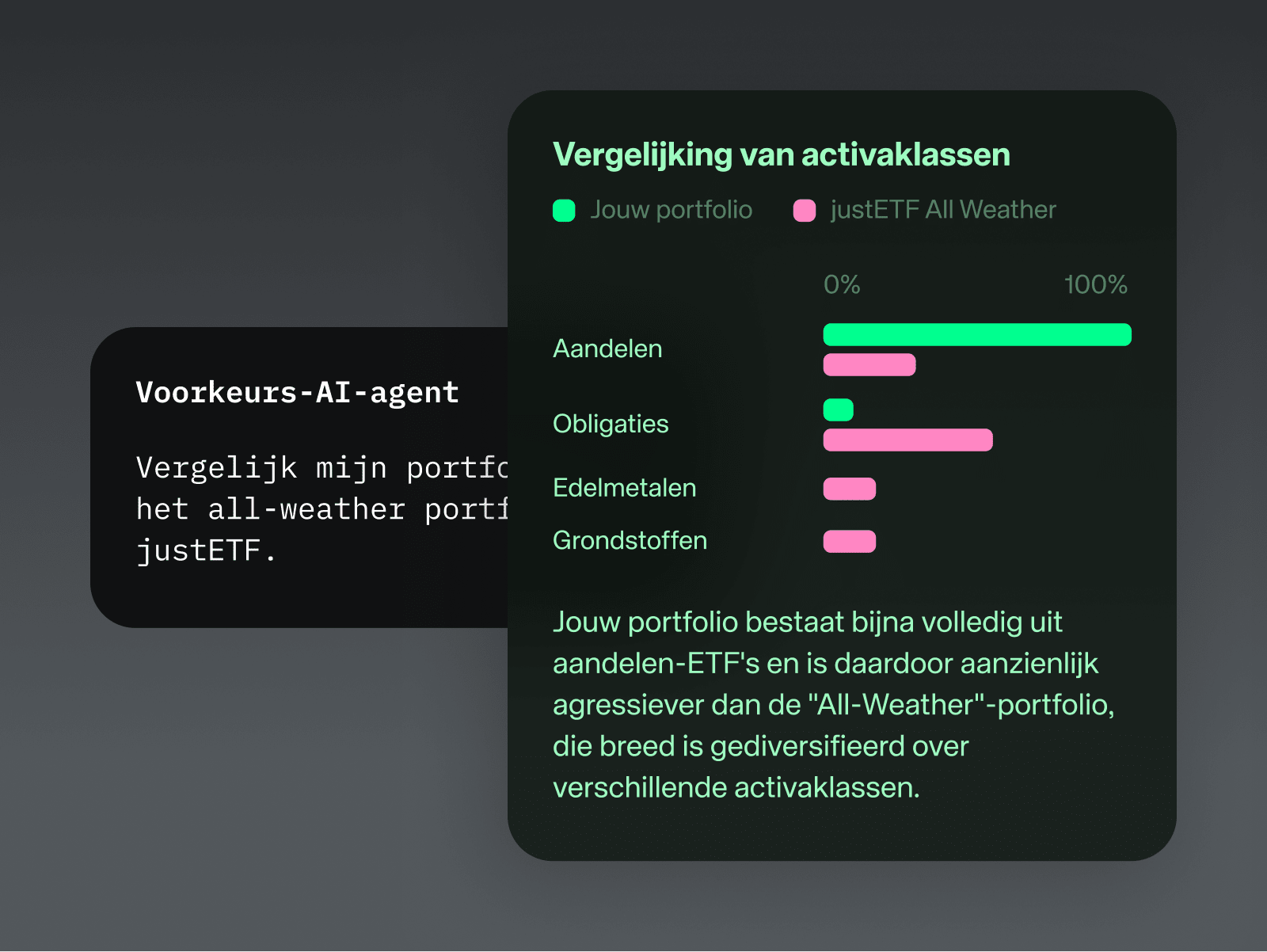
Have your agent analyse markets and your portfolio for insights.
Holdings
Asset allocation
Cash & interest
Connect your AI agent like ChatGPT, Claude & Co. to your Scalable account and analyse markets, monitor your portfolio and execute trades.
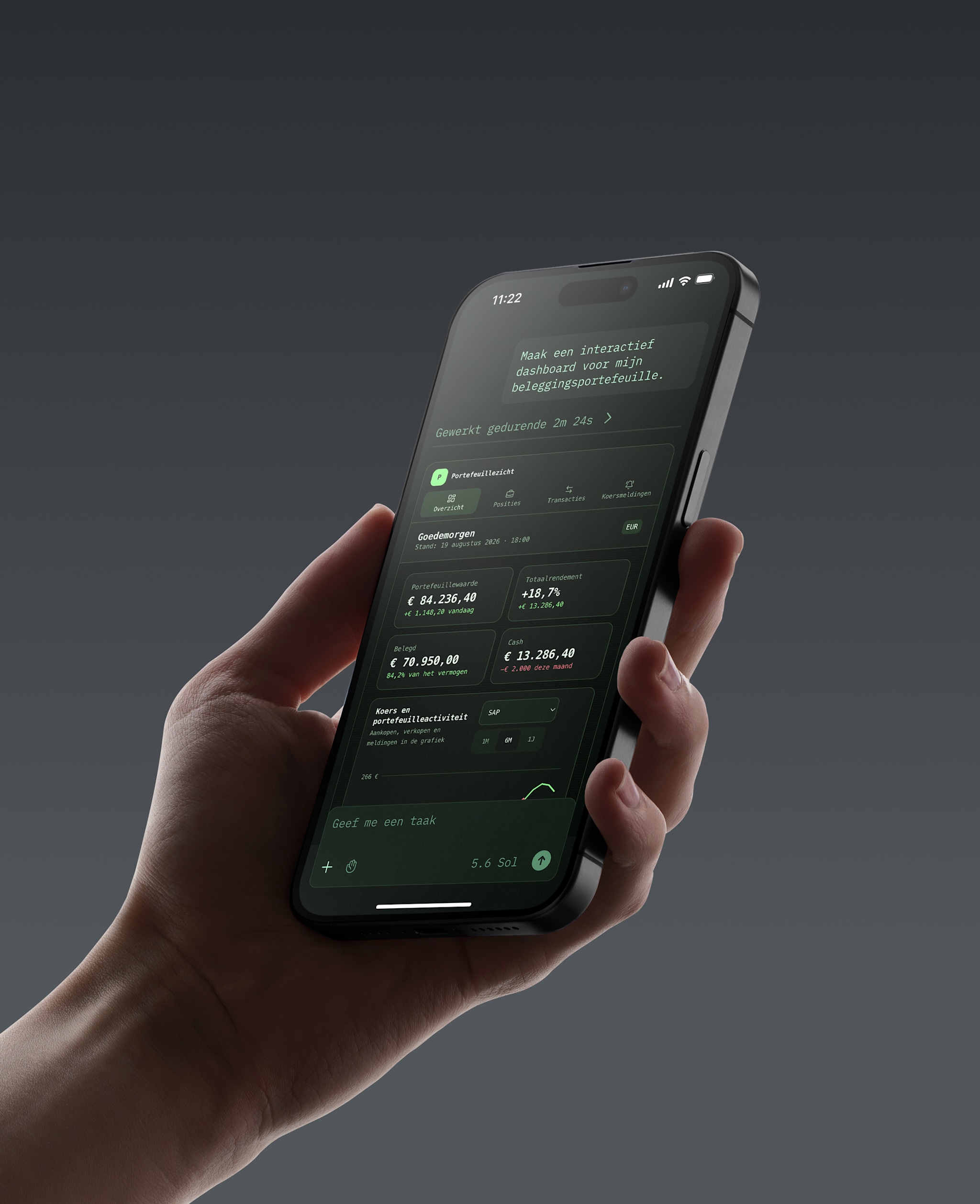
Your Scalable account, powered by your AI agent.
Connect natively with agents like ChatGPT or Claude.
Build, monitor and analyse your portfolio through natural language.
Your Scalable account, powered by your AI agent.
Connect natively with agents like ChatGPT or Claude.
Build, monitor and analyse your portfolio through natural language.
Join Europe’s first bank to offer seamless AI-powered investing and connect your ChatGPT, Claude or any other AI agent directly to your Scalable account.
Have your agent analyse markets and your portfolio for insights.
Holdings
Asset allocation
Cash & interest
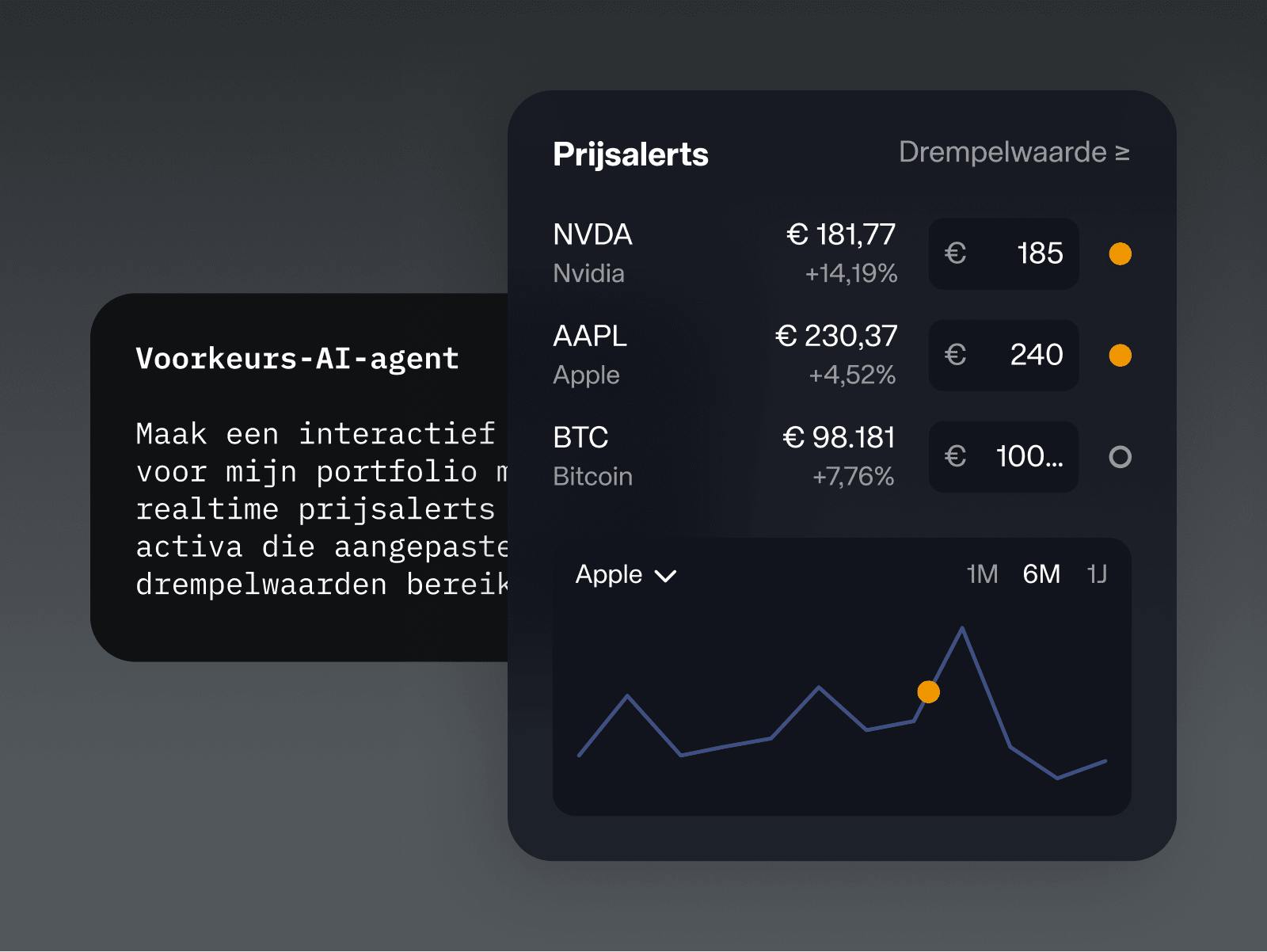
Stay updated by letting your agent set price alerts and edit your watchlist.
Price data
Price alerts
Watchlist
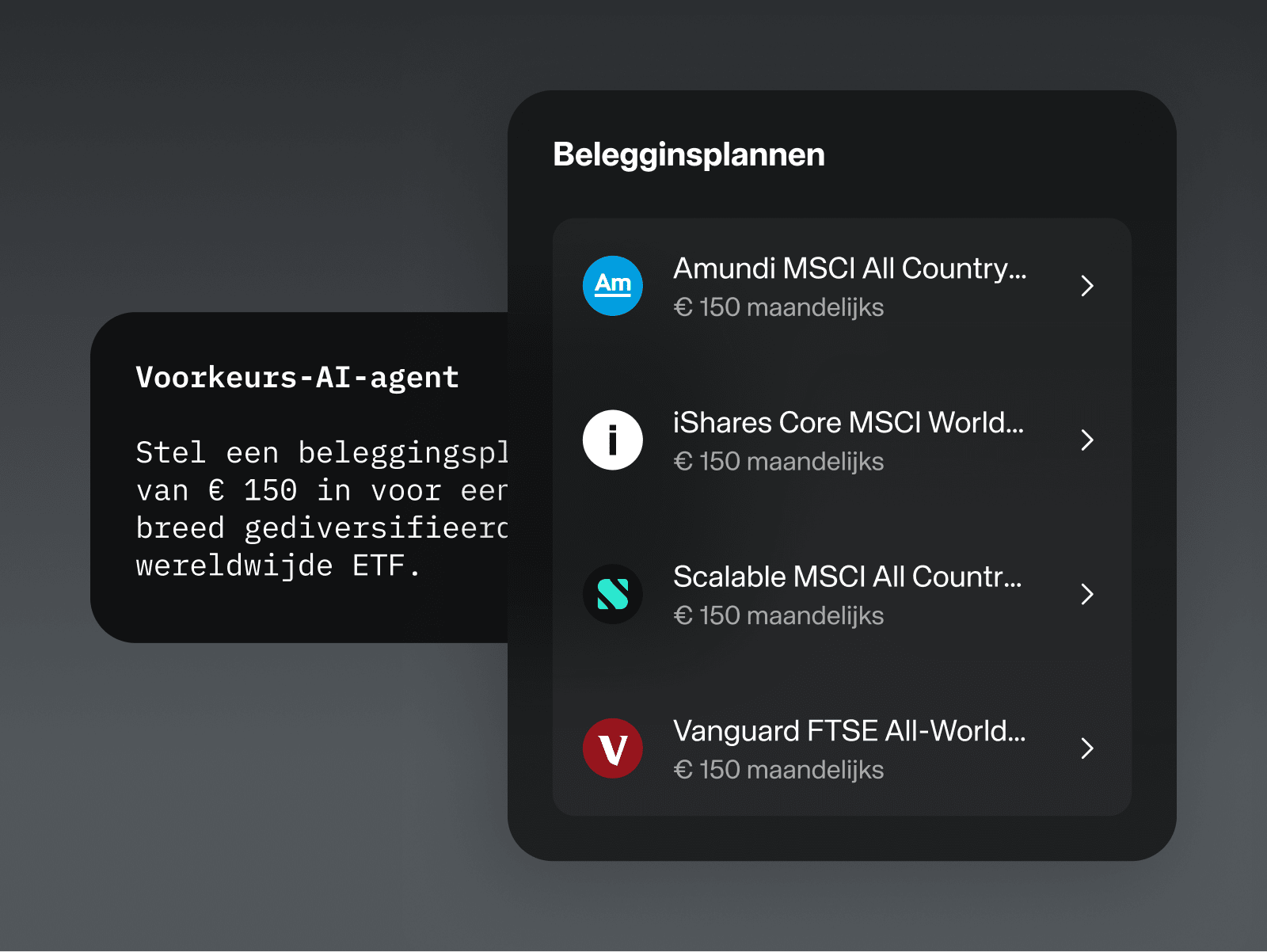
Let your agent trade and manage your portfolio with your approval.
Buy order
Sell order
Savings plans

Auftragsfreigabe: Bestätigen Sie Orders vor der Ausführung. Zahlungen werden niemals von KI-Assistenten ausgeführt.
Vollständige Transparenz: Verfolgen Sie alle Ihre Aktivitäten im Web und in der App.
Gezielte Steuerung: Aktivieren oder deaktivieren Sie den Agentic-Zugang jederzeit mit anpassbaren Berechtigungsstufen (Lesezugriff, eingeschränkter Zugriff oder Vollzugriff).
To set up your connection, follow these two steps:
First, activate MCP access in your Scalable account on the web under Profile > Security > Agentic Investing.
Then, enter the Scalable MCP server URL (https://mcp.scalable.capital/mcp) on the web into your AI agent interface using the instructions below.
Platform capabilities & limitations: The Scalable MCP generally offers the full range of features. AI agents may restrict certain features based on their own guidelines.
Use the Scalable CLI and manage your portfolio directly from your terminal using our official command-line interface – ideal for custom scripts and automated workflows.